
Save, reopen and bring existing work in
Understand SceneLoft documents, autosave recovery, templates, fonts and supported import paths.
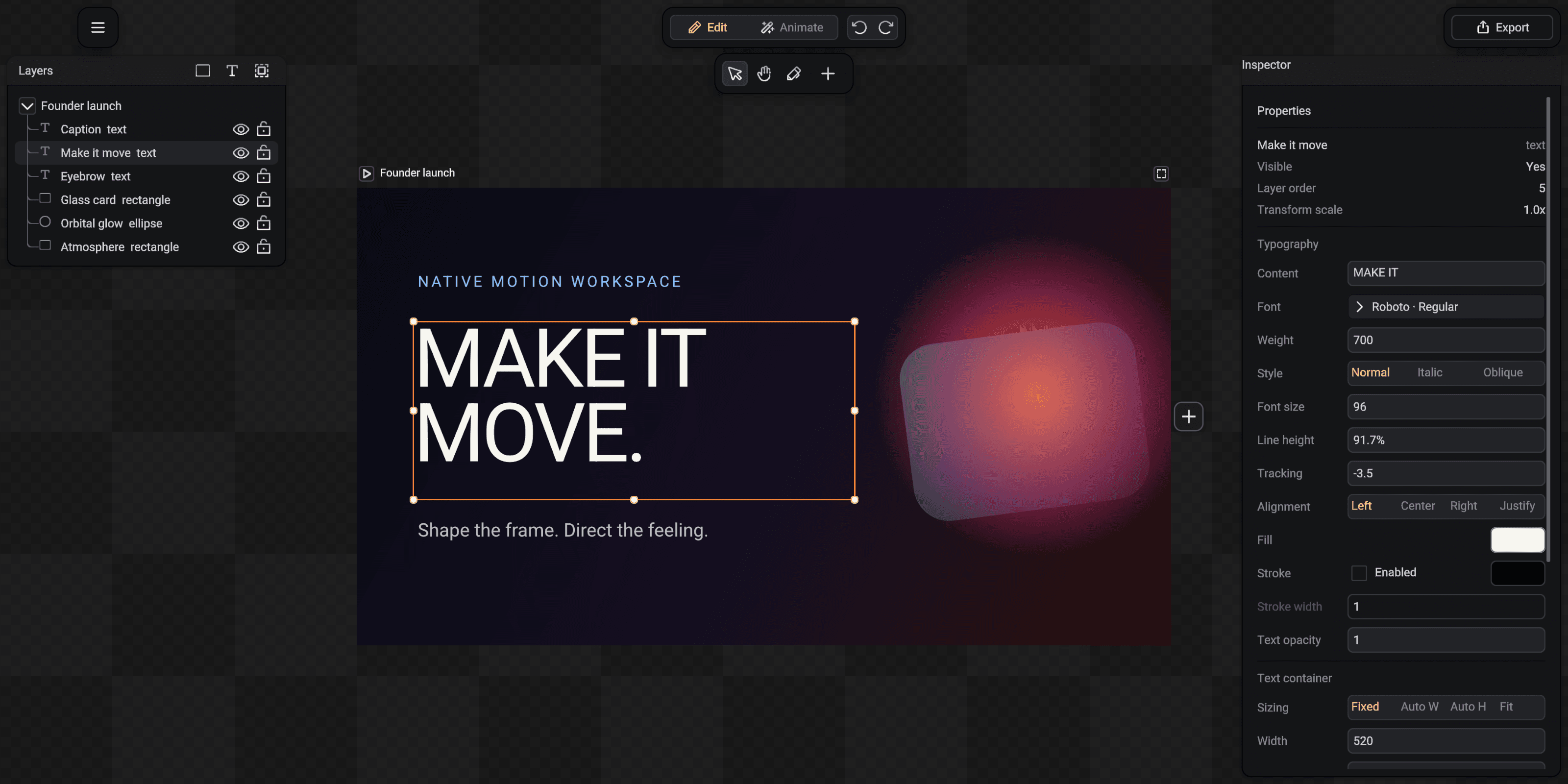
The editable document is the source of truth. Imported resources are normalized into ordinary SceneLoft content and durable assets instead of becoming hidden external links.
Save the editable document
Choose Save, press Cmd + S on macOS or Ctrl + S elsewhere. Save As creates another package. SceneLoft writes packages through same-folder atomic replacement so an interrupted write does not partially replace the last good file.
The package stores the scene plus content-addressed images, media and imported fonts required by the project.
Recover after an interruption
SceneLoft creates bounded autosave recovery snapshots while an unsaved document is active. On the next launch it can restore the recovery state instead of silently discarding recent work.
A normal successful save becomes the durable document. Recovery is a safety net, not a replacement for named versions or backups.
Import images and time-based media
Image import accepts PNG, JPEG, WebP and GIF. Media import accepts animated GIF, MP4, WebM, MOV, MP3, WAV, M4A, AAC, OGG and FLAC through bounded local decoding.
Imported media becomes a normal project resource and timeline track. Replacement preserves the surrounding hierarchy and authored placement.
Import SVG and Figma bundles
SVG import converts supported paths, shapes, paints and text into editable SceneLoft entities. Unsupported or approximated constructs appear in an ordered import report.
Figma import uses an offline plugin bundle rather than requiring your account credentials inside SceneLoft. Supported frames and assets become ordinary editable document content.
Use templates and fonts
New from Template instantiates an editable copy with fresh document identities, so editing the new project never mutates the built-in source.
The font dropdown searches system families. Import Font adds a compatible local font face to the document, and Font Library provides the online catalog workflow when network access is available.