
Learn every stable workflow.
A visual manual built from the real native application. Start with your first project, then move through compositions, groups, drawing, typography, animation, files, delivery and the 3D beta.
10 guides
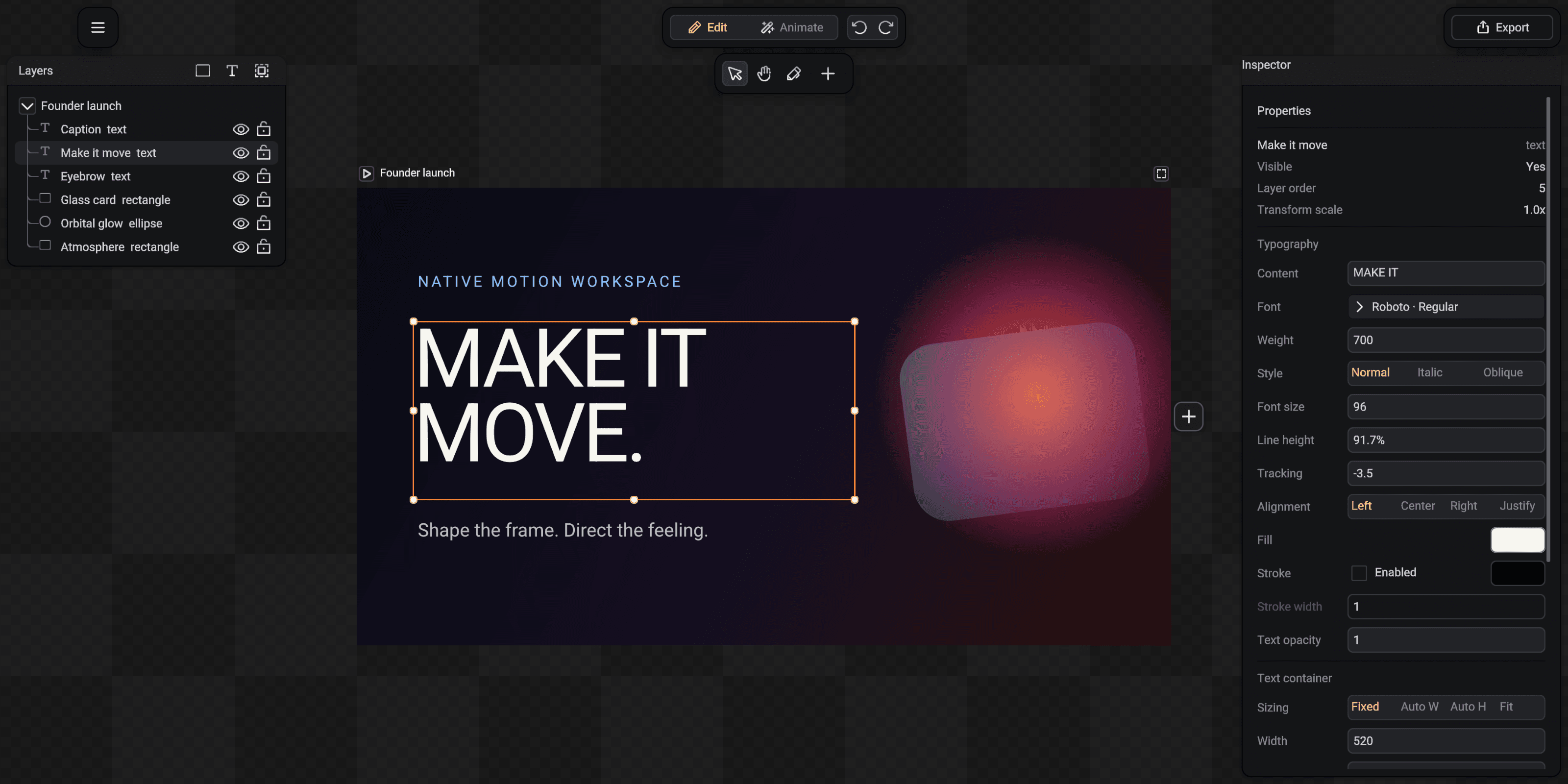
Build your first SceneLoft project
Learn the complete workspace while assembling a title card from editable layers.
Read guideProjects, compositions and the right-side plus
Build a sequence of shots, add the next project and reorder the composition visually.
Read guide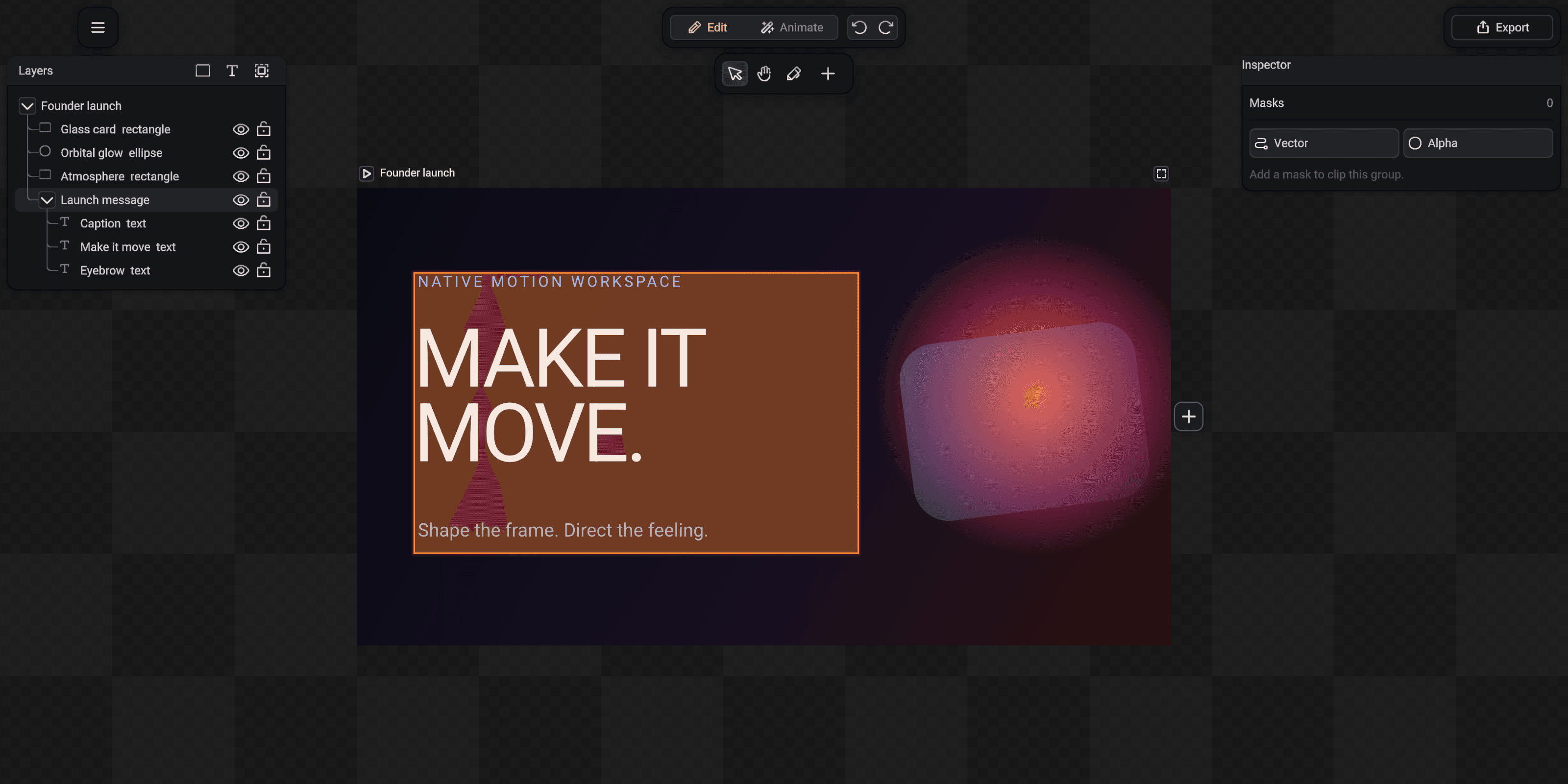
Layers, groups and visual order
Keep complex artwork readable with nesting, locking, visibility and deterministic paint order.
Read guideSelect, move, resize, rotate and draw
Use the canvas confidently with snapping, transform handles and editable vector paths.
Read guideShape type without leaving the canvas
Choose fonts, tune spacing, control text boxes and keep every word editable.
Read guide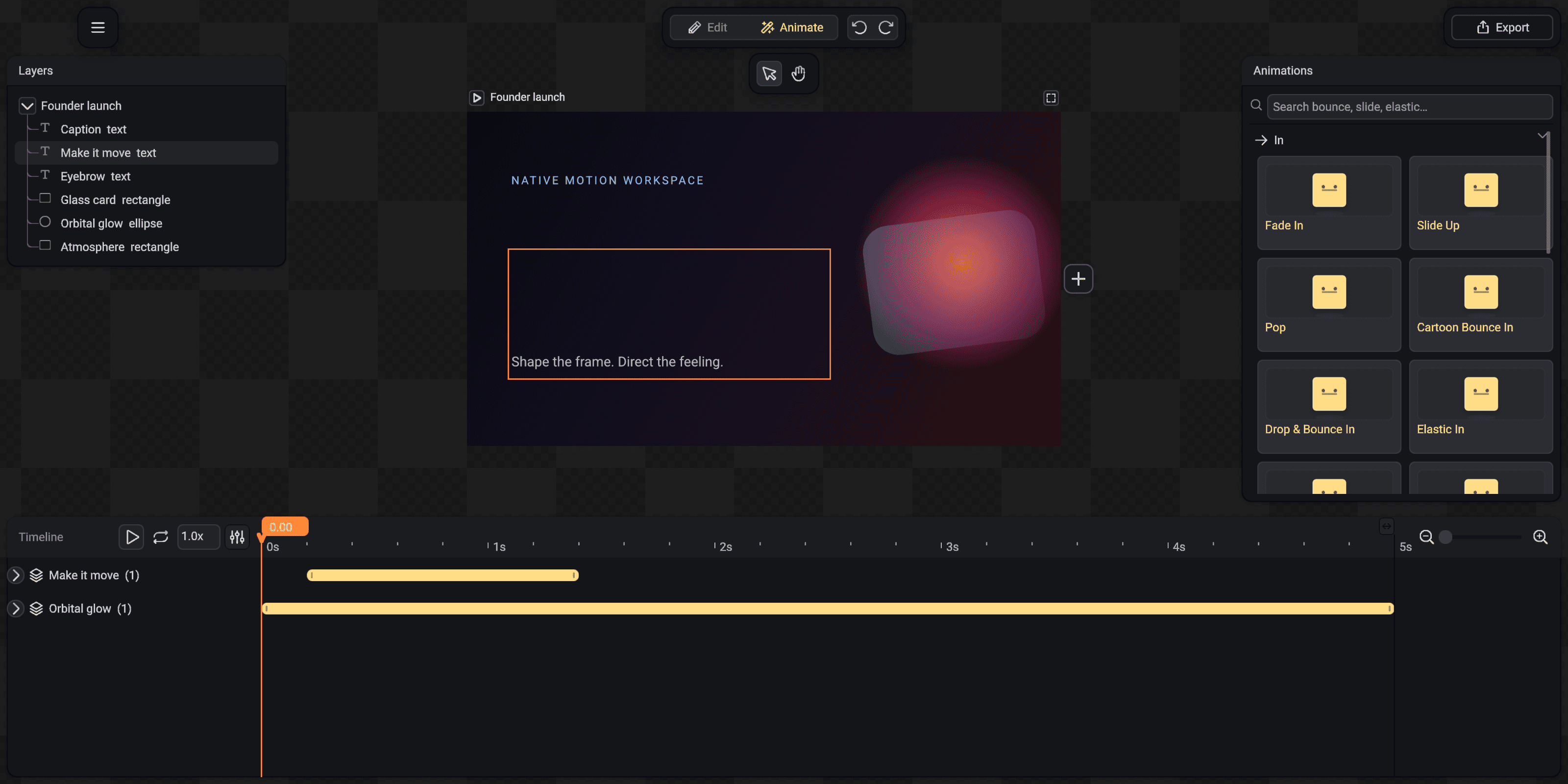
Animate with presets and the timeline
Apply searchable motion presets, refine clips and understand every timeline interaction.
Read guideShapes, paths, masks and effects
Build editable vector artwork, clip it cleanly and finish it with native visual effects.
Read guideSave, reopen and bring existing work in
Understand SceneLoft documents, autosave recovery, templates, fonts and supported import paths.
Read guide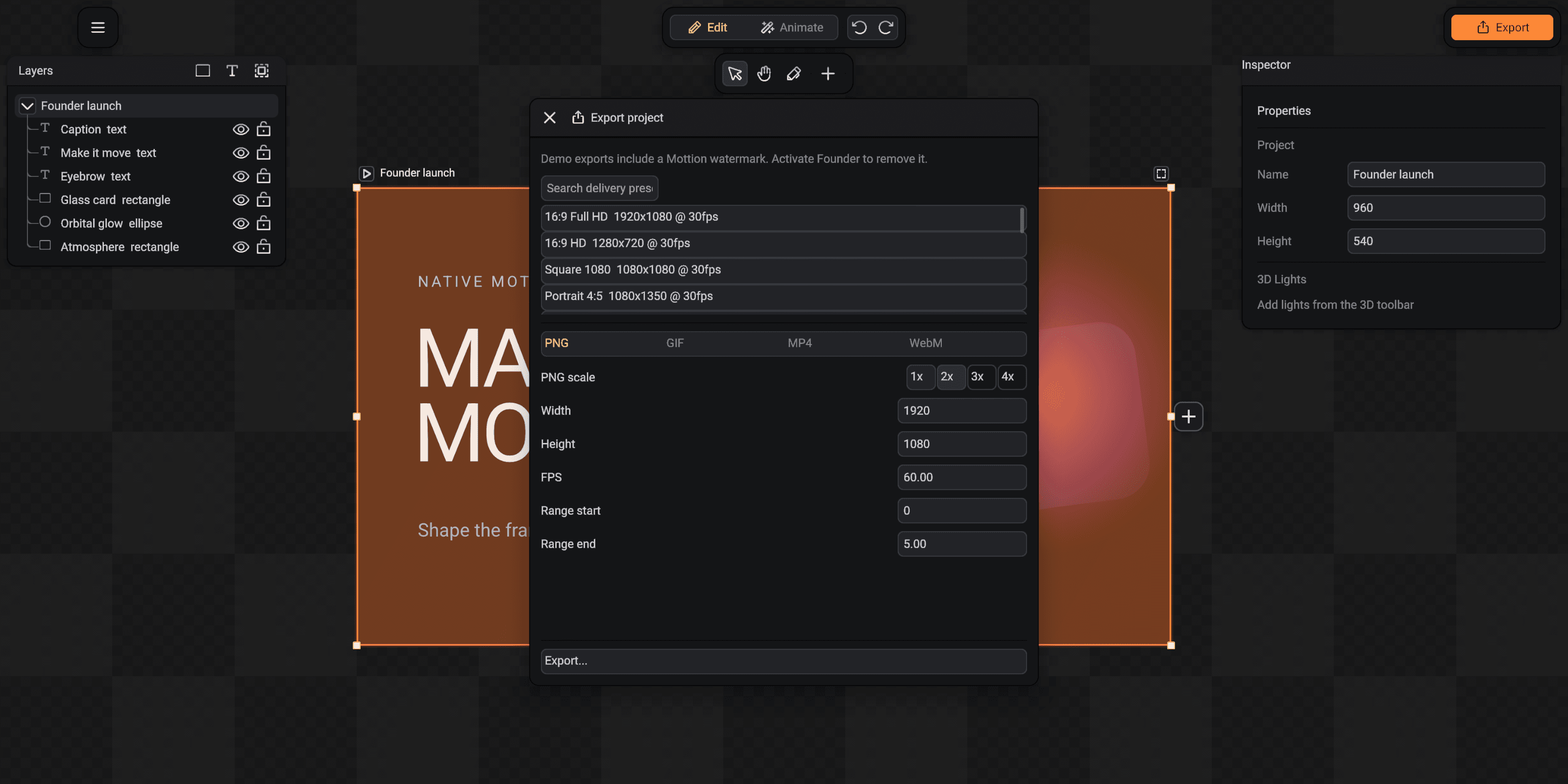
Export the right file for the job
Choose a target, preset, resolution, time range and format with clear compatibility boundaries.
Read guideMix 3D with the 2D motion workflow
Add geometry and lights, enter spatial focus, control the camera and return to the final shot.
Read guide